In short
- Ask where buyers first heard of you, with review videos and forums as their own options.
- Ask what won the order over the brands they compared, while the comparison is fresh.
- Check in once the device is set up, and catch the return reason before the return.
What makes electronics different
Gadget buyers take their time. Criteo's Consumer Electronics Pulse 2026 found that after they start researching online, 39% of electronics shoppers wait at least two weeks to buy, against 20% in fashion and 16% in beauty. More than a third check four or more websites or sources first.
Review videos are part of that research. In Criteo's 2024 consumer electronics research , 35% of frequent electronics shoppers watch unboxing and review videos, against 25% of shoppers in other categories. A buyer who watched a review and then typed your brand into Google shows up in your reports as search, and the reviewer gets no credit.
The holidays raise the stakes. CTA's 2025 holiday study found that 88% of US holiday shoppers planned to buy technology products. Price decides where they shop first, followed by convenience, brand availability and return policies.
What your reports miss
Your analytics see the last click. They cannot see the review a buyer watched, the brands they compared you with, or whether the charger works with their phone. Those three things decide which reviewers get your next product, what sits next to the price and which problem you fix before it becomes a return. Here is how to ask the first question and read the responses.
The questions to ask
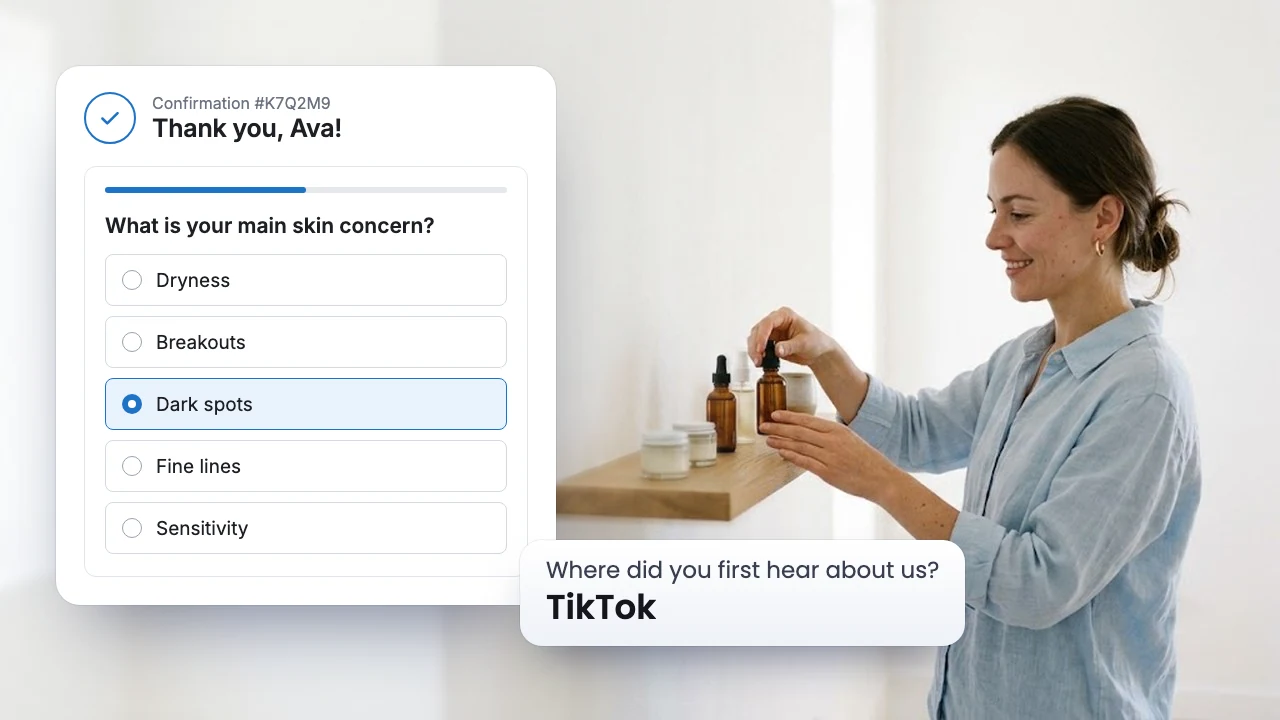
1. Where did you first hear about us?
- Why it matters: A review video or a forum thread rarely leaves a click your pixel can follow.
- If many say a YouTube review: On the Growth plan, branching shows a Short answer follow up only to those buyers, asking which channel. Send your next product to the names that keep coming up.
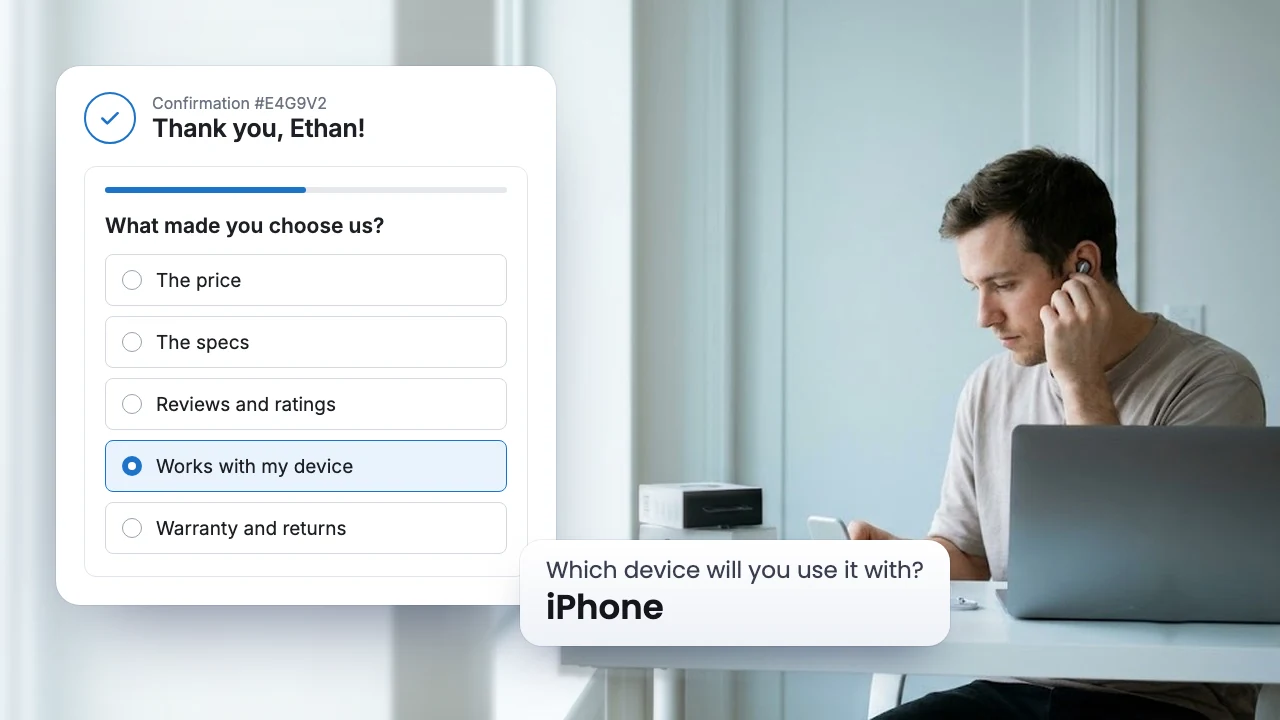
2. What made you choose us over the others you compared?
- Why it matters: Your buyers looked at several brands. This names the one thing that won the order.
- If most pick the warranty or "Works with my device": Put your warranty and a "works with" list next to the price. If price leads, plan launches around your sales.
3. Which device will you use it with?
- Why it matters: The device decides what fits next. A case that suits an iPhone buyer is the wrong email for an Android buyer.
- If one device leads: Build a collection page for it. On the Growth plan, each response lands on the buyer's profile in your email marketing or CRM tool, so iPhone buyers only see accessories that fit.
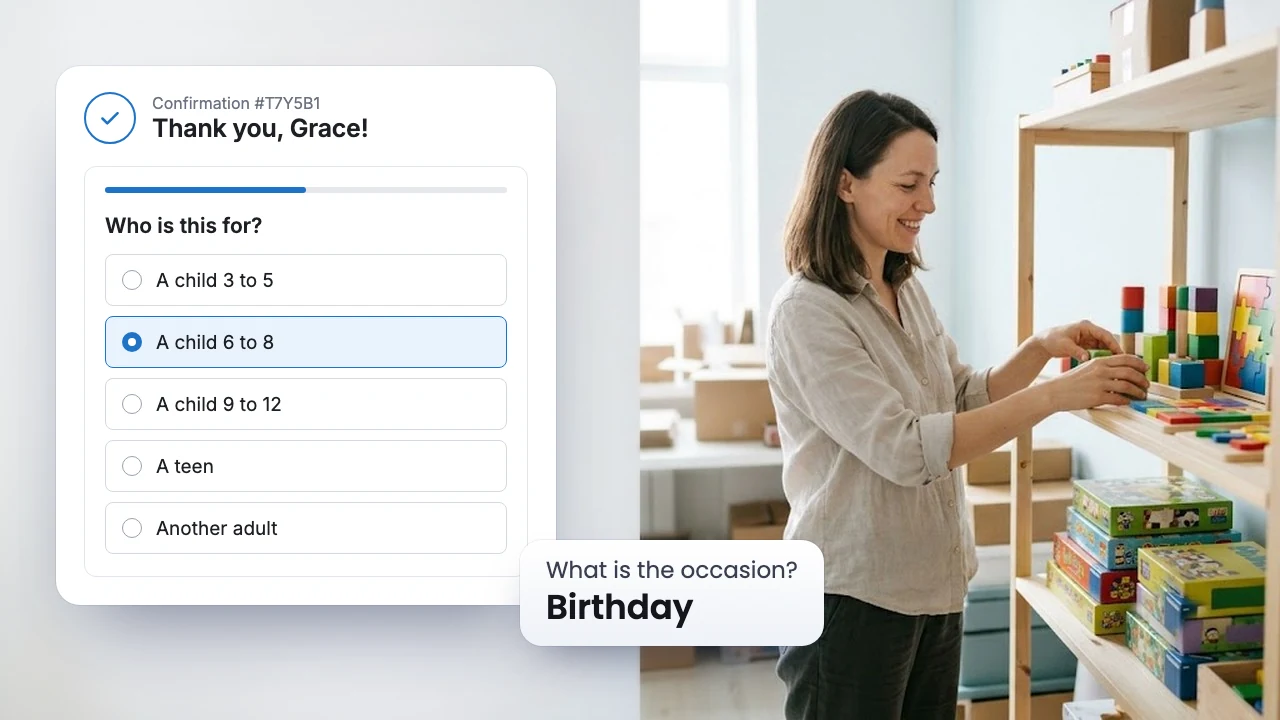
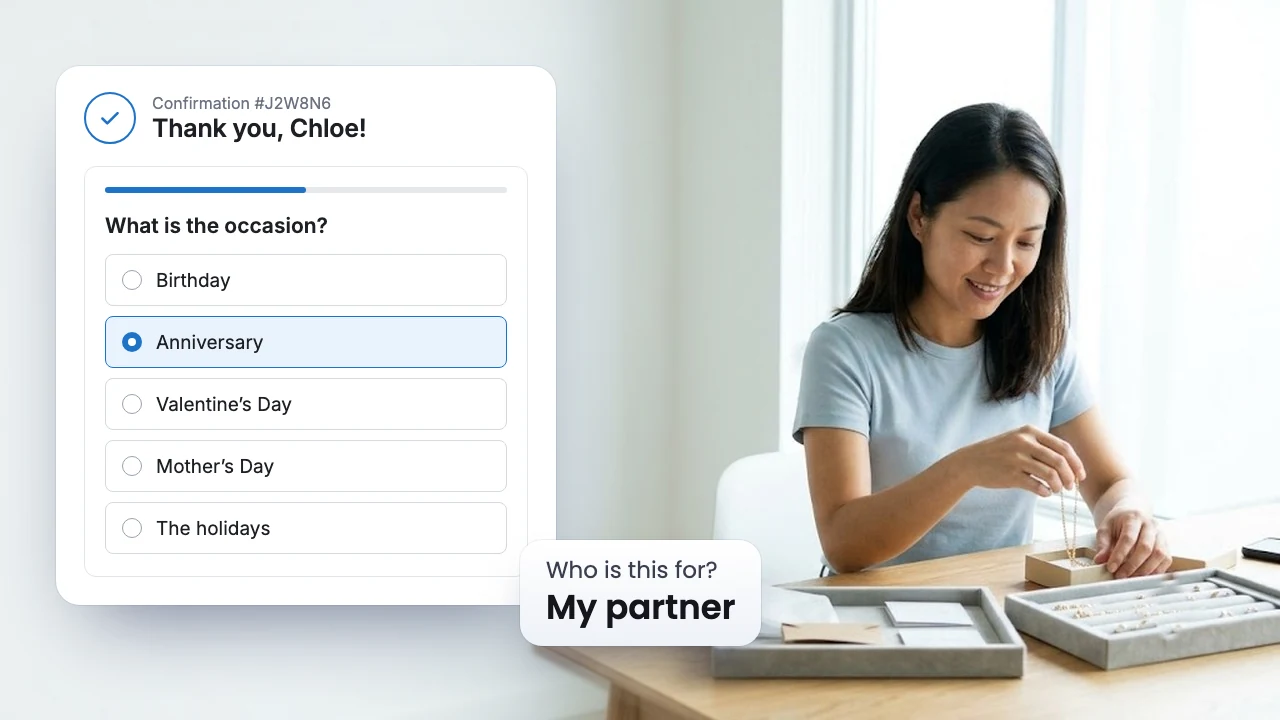
4. Is this for you or a gift?
- Why it matters: Tech is a top holiday gift, and a gift buyer will never set up the device, so setup tips reach the wrong person.
- If gifts rise in December: Use the Sea Survey Submitted trigger in Shopify Flow to tag those customers, and keep them out of your setup emails.
5. Now that it is set up, is it working as you expected?
- Why it matters: This is the return reason, captured while a setup tip or a missing part can still fix it. Each response is saved with the product the buyer ordered.
- If one problem leads: Read the written responses, which AI groups into topics. If setup is the problem, put a short setup guide in every box.
When to ask
In SEA Survey, the post purchase email waits until the order ships, then for the delay you set in days. Our advice for electronics:
| Moment | Question | Why then |
|---|---|---|
| Thank you page | Where did you hear about us, what made you choose us | The comparison is over, and the reasons are fresh |
| Thank you page | Which device, for you or a gift | Two taps that shape your first email |
| Email about a week after the order ships | Is it working as you expected? | The buyer has set it up and used it for a few days |
Example: what a phone accessories brand would do
This example is made up to show the steps. Your own responses decide.
Say you sell magnetic chargers and phone cases, and your reports give most sales to Google search. The Thank you page survey tells another story: a large group picks "A YouTube review", and the written follow ups keep naming the same two channels. Most use an iPhone. A week after shipping, many Android buyers pick "It does not work with my device". They did not know the charger needs a magnetic ring on their phone.
That gives you three moves. Send your new charger to those two reviewers. Put a "works with" list next to the price, with the ring Android buyers need. Send Android buyers a setup email that shows the ring. The next round of responses tells you whether the problem goes down.
Mistakes to avoid
- One "Online reviews" option. It hides the split between YouTube, review sites and forums, which each need their own move.
- Asking whether it works on the Thank you page. The device has not left your warehouse yet.
- Leaving out the device question. Without it, a compatibility problem looks like a broken product.
FAQ
Does a survey slow down checkout?
No. The Thank you page shows after the order is placed, so the survey never stands between a buyer and paying.
Can my support team see setup problems right away?
Yes. The Sea Survey Submitted trigger in Shopify Flow can add each response to a Google Sheet, so your team can reach out with a fix before the buyer asks for a refund.
Can the responses go to my email marketing tool?
Yes, on the Growth plan. Each question becomes a property on the buyer's profile, so you can build segments by device. SEA Survey connects to Klaviyo, Mailchimp, Omnisend and ActiveCampaign.
Sources: Criteo, Consumer Electronics Pulse 2026, August 2026. Criteo, Consumer Electronics Trends, H2 2024, August 2024. CTA, 2025 Consumer Technology Holiday Purchase Patterns, November 2025. Timing in this post is our advice, not a measured rule.