Shopify's Fall '26 Edition is out, and it opens with agentic commerce: shoppers finding products and checking out inside AI assistants such as ChatGPT, Claude and Gemini. Shopify says more than 1 billion products in its catalog can be discovered across AI channels, and that more than 400 million shoppers had a Shop Pay account as of September 30, 2026.
That is good news for sales and harder news for measurement, because more of the path to an order now happens in places that leave no click for your reports to follow.
1. More orders can now start inside an AI chat
Shop Pay now works in more AI agents, and a new Shop skill lets ChatGPT, Claude or any other agent find products and check out with Shop Pay. Stores can also sell in Google Search, including AI Mode, and in the Gemini app, with checkout powered by Shopify: the shopper buys in the chat, and the order lands in your admin. Shopify Catalog now shows your compare at price to AI shopping agents, so they can see a markdown with no extra setup on your side.
Picture a shopper who asks an assistant for a vegan moisturizer under $40 for dry skin, reads three suggestions and buys yours in the chat. There was no ad, no link with UTM tags and no visit to your homepage before the order. No ad platform has a click to claim it, and a click based report has nothing that shows a conversation started it.
What to do:
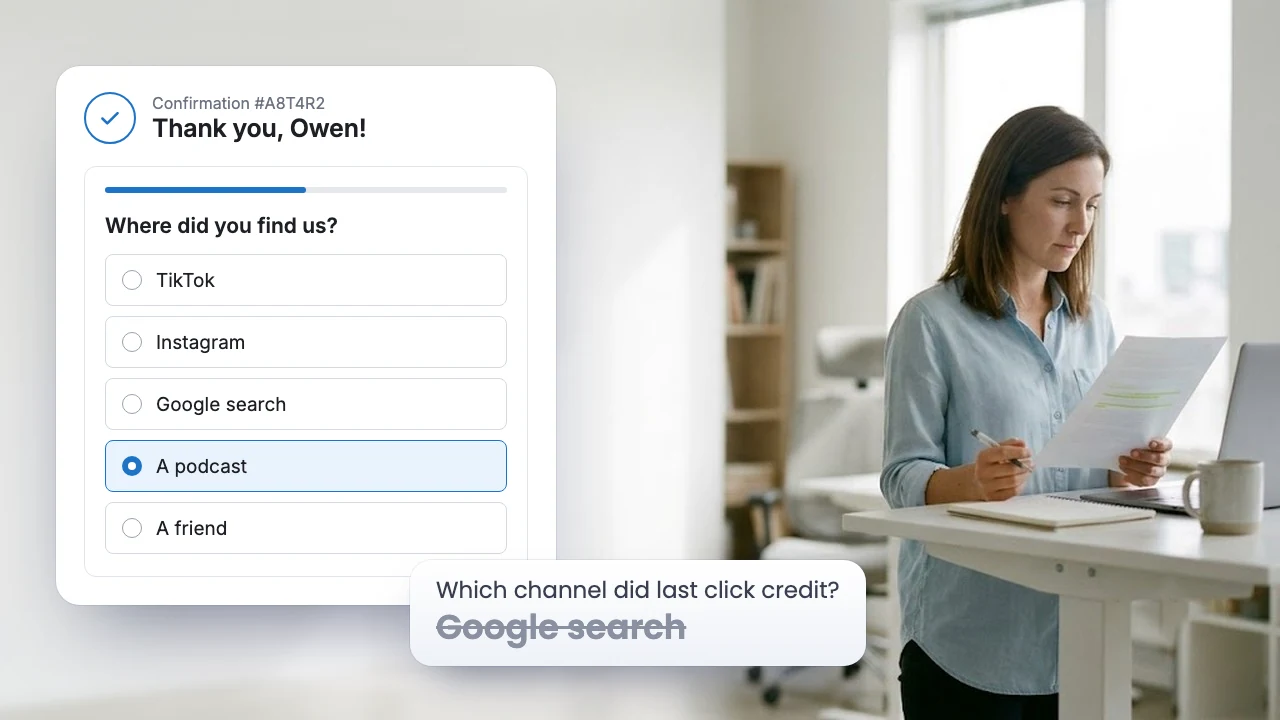
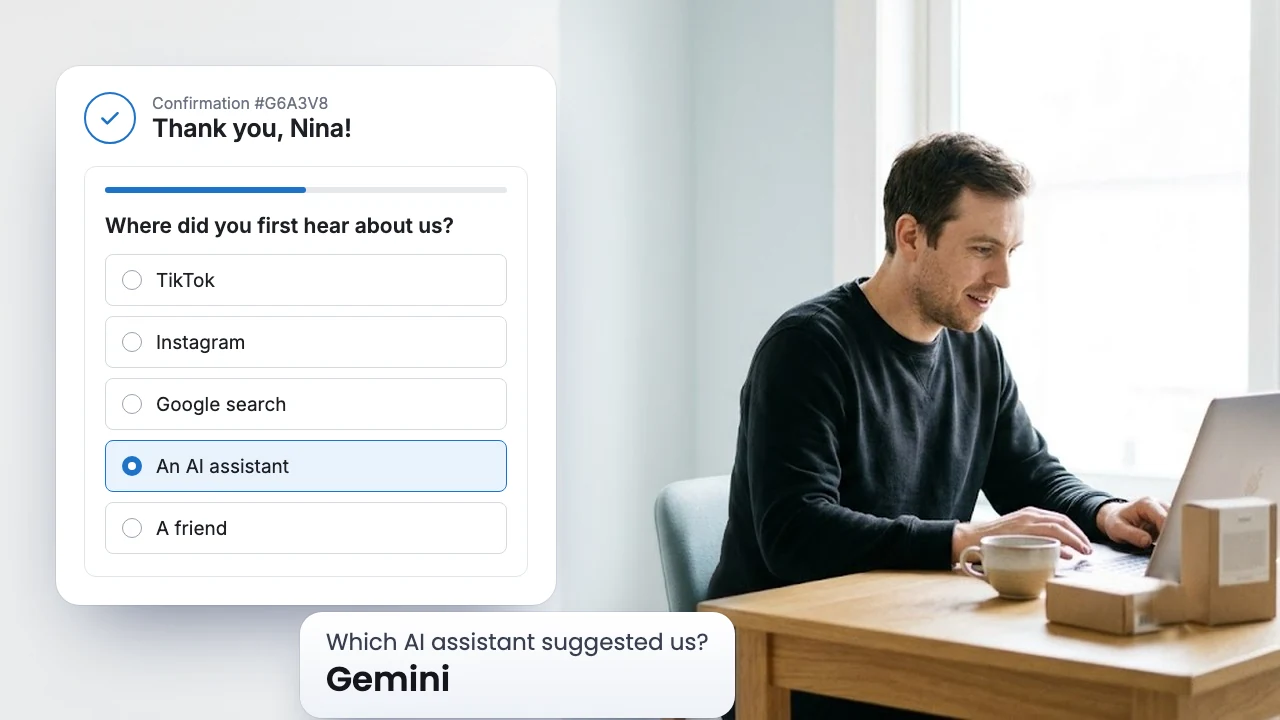
- Add "An AI assistant (ChatGPT, Gemini, Claude)" to the options of your "Where did you first hear about us?" question. Buyers who found you that way and do not see the option pick "Google search" or "Other", and the trend stays hidden.
- Test whether a buyer who pays inside a chat also sees your Thank you page: once your store sells in an AI channel, place an order there yourself. A Post purchase email survey does not depend on that page, because SEA Survey sends it after a new order comes in, on the delay you choose.
2. Shopify's marketing reports get sharper, and they still count clicks
Shopify announced unified marketing reports that, it says, show exactly which channels drive sales, with separate traffic sources and fewer misattributions. Sessions change too. Shopify says they now reflect human visitors more closely, with smart bot filtering, one user journey across the site and visit counting that respects consent. You can also add your own annotations to analytics reports.
Two things follow. Fewer bot visits can move your session count and conversion rate with no change in how people shop, so add an annotation on the day you see the shift, and nobody on your team will read it as a win or a drop. And a sharper click report is still a click report. It shows the channels that left a trace, while the creator video with no link, the friend who recommended you and an assistant chat that sent no click stay out of it. Read it next to your survey responses, because where the two disagree is where clicks miss part of the story. We show how in reading two reports side by side.
3. Checkout custom fields are for the order, not for the why
Rolling out soon, the checkout and accounts editor gets custom fields: text inputs, date pickers, checkboxes and choice lists. Shopify's own examples are delivery instructions and gift messages.
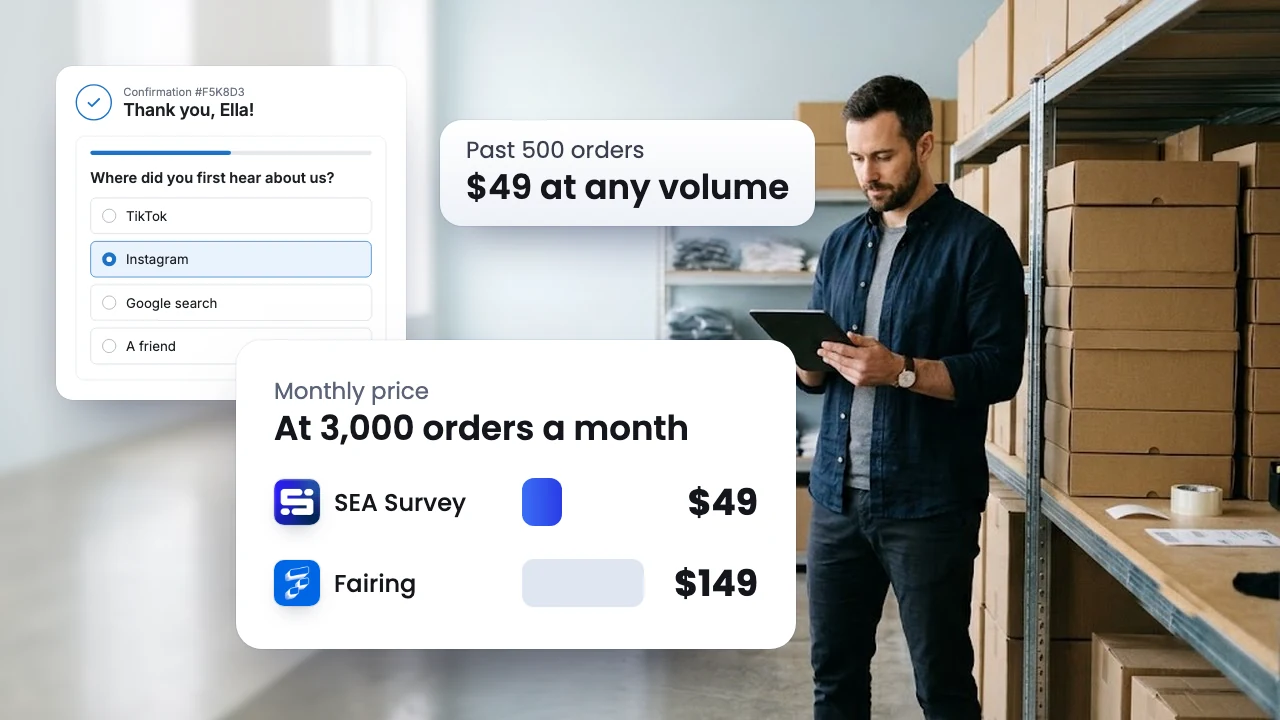
It is tempting to put "How did you hear about us?" into checkout as a choice list. Before payment, though, every field is one more thing between the buyer and the order. On the Thank you page the buyer has already paid and has nothing left to finish, so one question costs them a few seconds and costs you no sales. That page is also where SEA Survey gets its highest response rate.
Use checkout fields for what you need to ship the order, such as a delivery date or a gift note, and ask where buyers came from and why they bought after the order is placed. Here is how to ask that one question well.
4. The Thank you page gets a moment of its own
Also rolling out soon is a celebration on the Thank you page: an animated transition from payment to order confirmation. Shopify is putting more attention on the page buyers see right after they pay, which is the same page where a post purchase survey asks its question.
When the update reaches your store, place a test order and look at the Thank you page on a laptop and on a phone. Check that your survey still sits where you placed it and that the first question shows without a long scroll.
5. Soon, customer accounts can ask who the buyer is
Coming soon, you can send customers to a custom form after their first sign in, to ask them for more information.
That form and a post purchase survey answer different questions, so they work best together. The account form asks who the buyer is: skin type, size, birthday. The survey asks about this order: where they first heard of you, what almost stopped them and why they chose you today. On the Growth plan, SEA Survey sends each response to your email marketing or CRM tool and saves it on the customer's profile there, so your next campaign can build on what each buyer told you.
6. Sidekick and Shopify Flow take on more of the busywork
Shopify says Sidekick now takes on complex workflows: it stages several changes at once, runs calculations, writes code and searches the web, and its guidance takes in the apps you already use. Shopify also says daily Sidekick sessions grew 4.2 times year over year. Shopify Flow gains triggers that run when a product's price, tag, metafield or another field changes, an AI Toolkit for building automations with the agent you prefer, roles and permissions, and version history.
For surveys this means less setup by hand. With SEA Survey installed, paste a prompt into Claude through the SEA Survey MCP and the survey is created in your store, or paste it into Sidekick, which opens the SEA Survey editor with your questions filled in, ready to save. The Survey AI Kit has ready prompts for four BFCM goals, plus a second prompt that reads the responses a few days later. With Shopify Flow, each new response can go to a Google Sheet your team already reads.
What to set up before Black Friday
Shopify also added automated WhatsApp marketing messages, and Campaign Autopilot now runs campaigns on Microsoft Advertising and Snapchat, with X Ads coming soon. So the option list you used last year may be missing a few channels. Six steps cover everything above:
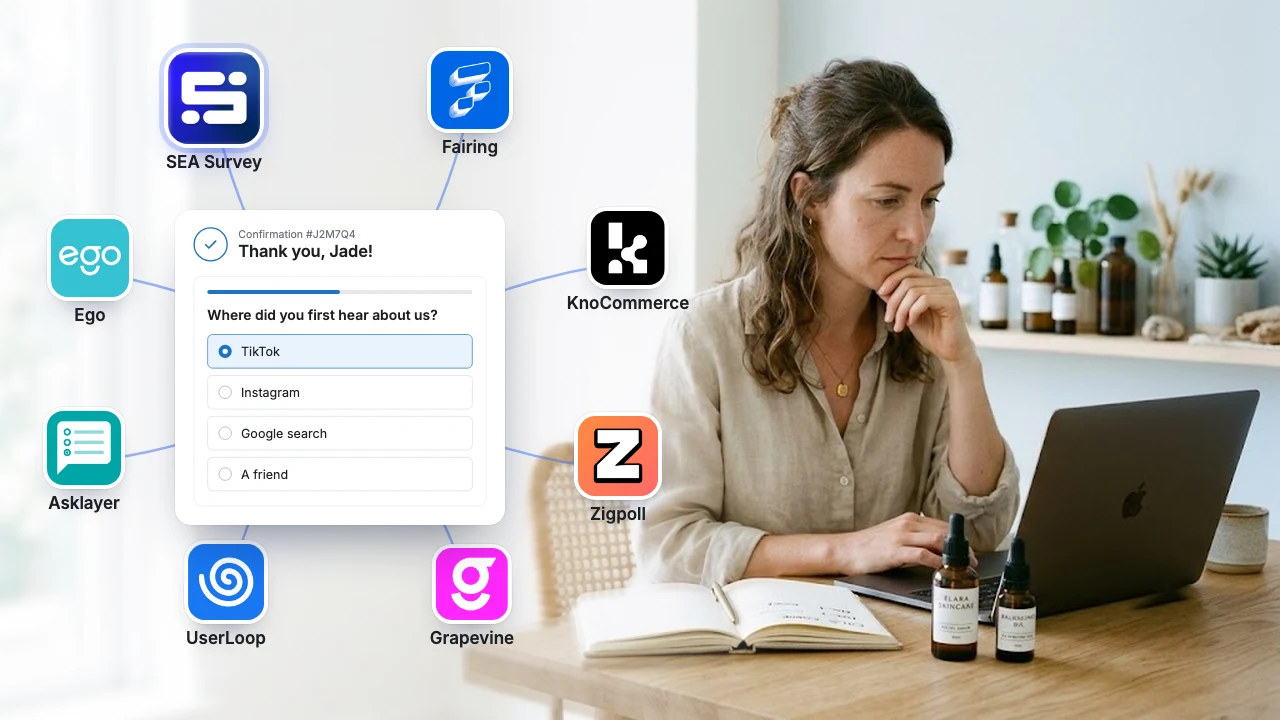
Add the new optionsAdd "An AI assistant (ChatGPT, Gemini, Claude)" to "Where did you first hear about us?", plus WhatsApp or Snapchat if you now market there, next to TikTok, Instagram, Google search, a friend and Other.
Ask after the order, in two placesKeep the question on the Thank you page, and add a Post purchase email survey so buyers who never reach that page still get it.
Mark the day your numbers shiftAdd an annotation in Shopify analytics on the day the new session counting moves your session count or conversion rate.
Keep checkout fields for shippingOnce custom fields reach your store, use them only for what you need to ship the order.
Put responses on the customer profileOn the Growth plan, send responses to your email marketing or CRM tool, so each one lands on the customer profile.
Read both every weekDuring BFCM, read Shopify's marketing report and your survey responses side by side once a week.
Clicks see more, and miss more
Fall '26 makes more of the path visible and more of it invisible at the same time. Shopify's reports promise a clearer view of clicks, while orders placed inside AI assistants can come with no ad click at all. The one place that sees both is the buyer, and one question after the order, with the right options, tells you what the reports cannot.
FAQ
What is Shopify Editions Fall '26?
Shopify's product release for fall 2026. It opens with selling through AI agents, and also brings updates across Sidekick, checkout, customer accounts, marketing, analytics, payments, retail and fulfillment.
Should I ask "How did you hear about us?" in checkout or after the order?
After the order. A question before payment adds one more step to checkout, while a question on the Thank you page or in a follow up email asks for a few seconds from a buyer who has already finished.
Do the new Shopify marketing reports replace a post purchase survey?
No. The reports show the channels that left a click. A survey shows the ones that did not, such as an AI assistant, a creator video with no link or a friend, and it can tell you why the buyer chose you.