Attribution is a question, not a number
Marketing attribution is the rule that decides which channel gets credit for a sale. A buyer might watch a video, search your name, open an email and tap an ad before paying. Attribution picks which step counts, and how much.
Stores use that credit to work out what a new customer costs on each channel, split the budget and feed the ad platforms, which learn from the orders credited to them.
The catch is that the rule shapes the result. Two reports with different numbers can both be right, because each answers its own question: which channel closed the sale, which introduced the buyer, or how much each helped.
Cost alone can mislead too. Say a skincare store puts $3,000 into Meta and $3,000 into Google (made up numbers). Meta brings in new customers for less and looks like the winner, yet 90 days later the Google customers have ordered again far more often.
One order, six answers
There is no correct model, only one that fits your question. Follow one buyer and watch the results drift.
Taps through from a creator's TikTok videoLooks around and leaves.
Searches your store name on GoogleReads the reviews.
Clicks a link in an email from your storeAdds the product to the cart.
Taps a Meta adPlaces the order.
| Model | Who gets the credit | Good for | Weak spot |
|---|---|---|---|
| First click | All to TikTok | Which channels introduce new buyers | Ignores everything after the first visit |
| Last click | All to the Meta ad | What closes the sale | Ignores the channels that created the demand |
| Linear | 25% to each step | Every channel that helped | Cannot tell which step mattered most |
| Time decay | More to recent steps, such as 10%, 20%, 30%, 40% | Short buying cycles, like a flash sale | Undervalues the video that started it |
| Position based | 40% to the first and last steps, 10% to each in between | The start and the close | Undervalues the email that kept the buyer warm |
| Data driven | Learned from paths that did and did not end in a sale | Accounts with plenty of conversions | Needs lots of data and does not show how it decides |
GA4 and Shopify follow different rules
Open GA4, Shopify and an ad account in the same week and you will usually see three totals for the same channel.
Google cut its list in 2023. It retired first click, linear, time decay and position based from Google Ads and GA4, noting that less than 3% of Google Ads web conversions used them. Shopify kept more choice on its Attribution page, under Growth in the admin.
| Where you look | The rule it uses |
|---|---|
| GA4 purchase reports | Data driven, or one of two last click models |
| GA4 first user source | The channel of the buyer's first visit, whatever model you pick |
| Shopify Attribution page | The last channel clicked, skipping direct visits, unless you switch to first click, last click, linear or any click |
So in one BFCM week, paid social might get, for example, 180 orders in GA4, 210 in Shopify and 300 in Meta Ads Manager. None of them is broken.
Where a buyer came from is not what closed the order
Which channel brings in new buyers and which one closes the sale are two questions, and they need two reports.
GA4 reads where each visit came from through UTM tags, the short labels added to the end of a link, and the click ID Google Ads adds to its links. First user source records where a person arrived the first time and stays put when you change the model. The source credited with a purchase moves with it. By default, GA4 looks back 30 days before a first visit and 90 days before other key events, such as a purchase.
Say a buyer taps a Meta ad, leaves, then searches your name ten days later and buys. GA4's first user source says Meta, while a last click report gives the purchase to Google search. Both are true. Google got the credit. TikTok did the work. shows how to read them together.
Every ad platform grades its own homework
Add up the orders that Meta, Google and TikTok report and you will almost always get more than your store took.
| Source, in a made up month | Orders it reports |
|---|---|
| Shopify, orders placed | 1,000 |
| Meta Ads Manager | 640 |
| Google Ads | 480 |
| TikTok Ads Manager | 150 |
| The three platforms added up | 1,270 |
Each platform sees only its own ads and claims every order it touched. Four things push the totals apart:
- Two platforms claim one order. The buyer clicked ads on both.
- Views count. Some platforms credit people who saw the ad and never clicked.
- Different windows. Each platform looks back over its own number of days.
- Different clocks and devices. Time zones shift late orders to another day, and a phone plus a laptop can look like two people.
A gap these rules explain is normal. A gap that jumps overnight while nothing changed points to a tracking problem, like a pixel lost in a theme update.
Privacy hides part of the path
The part of the journey that clicks can see keeps shrinking. iPhone apps must ask before they track people across other apps and websites, through a prompt Apple calls App Tracking Transparency.
Take an iPhone shopper who said no. They tap your Instagram ad and buy. Shopify has the order, while Meta may never tie it to the ad. Safari also limits how long tracking cookies last, so a returning buyer can look new. Meta's Conversions API, which sends orders from your store's server, wins back part of that signal.
If you also sell in an app, a referee decides
In a shopping app, the App Store sits between the ad tap and the install, and every ad network would claim the install. A mobile measurement partner (MMP) such as AppsFlyer, Adjust or Branch acts as referee: it gives each install to one network by one shared rule. On iPhone, Apple's SKAdNetwork and AdAttributionKit report installs without any user or device detail.
What no model sees: why they bought
Every model above can only split credit between clicks it saw, and plenty of sales start with no click at all. A creator mentions you without a link. A friend shows the product at dinner. ChatGPT suggests your store. These buyers type your address or search your name, and the reports hand the sale to Direct or Google search.
That group is growing fast. Adobe found that traffic from generative AI tools to US retail sites rose 693% over the 2025 holiday season, compared with the year before.
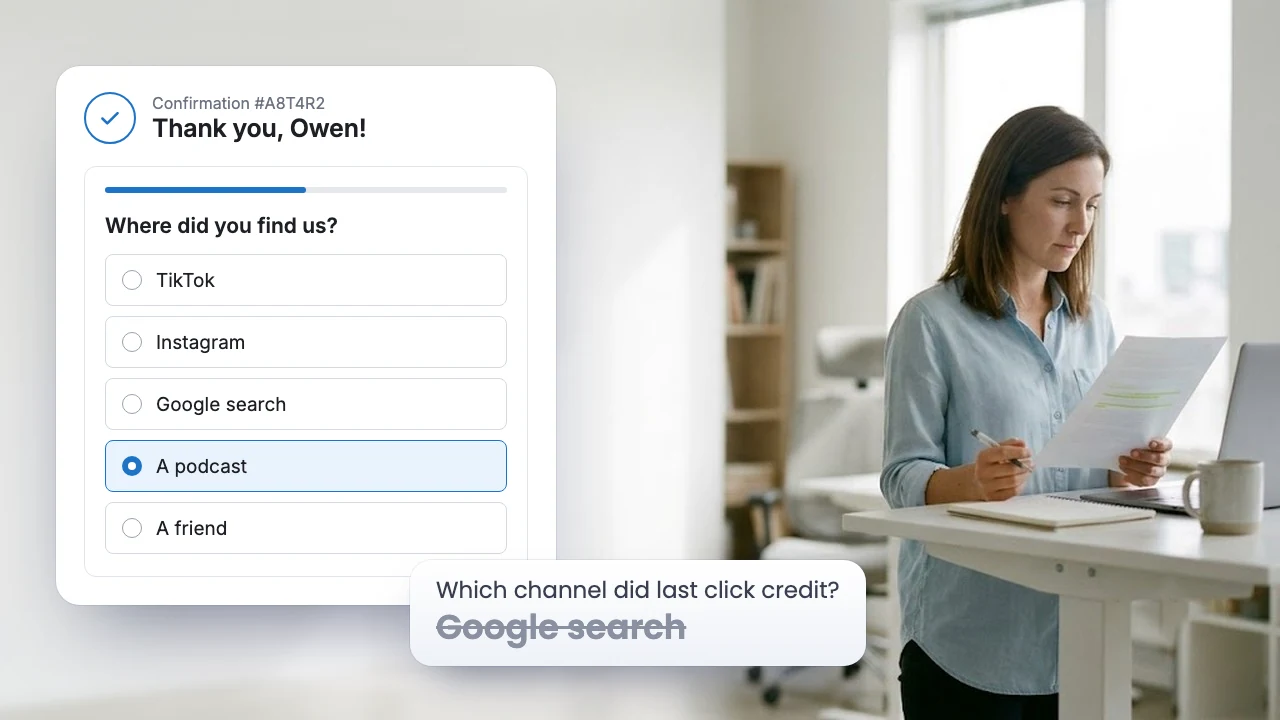
Asking the buyer is called self reported attribution. It takes one question on the Thank you page.
Put the responses next to last click, channel by channel. Where they disagree, you have found what the clicks missed. If Google search wins on last click while buyers keep naming a creator, the creator planted the sale and search collected it.
It has limits. Some buyers misremember, and only buyers respond. Use it beside click data, not instead of it.
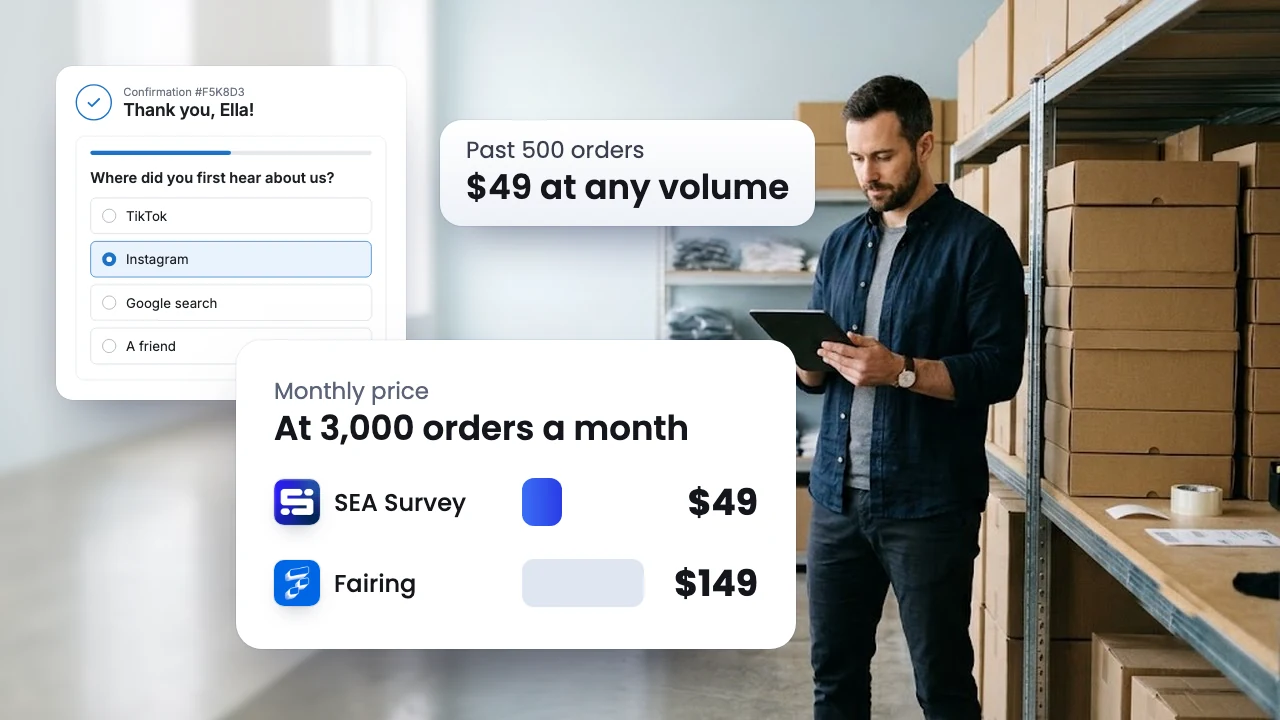
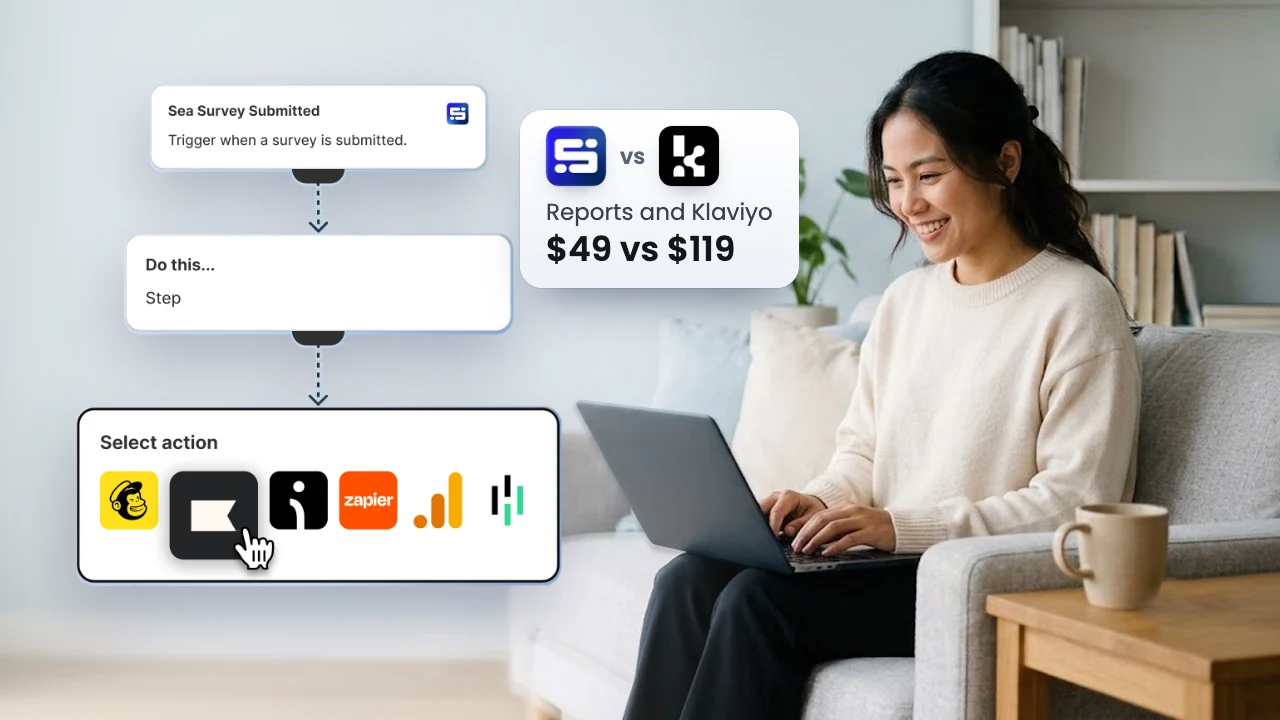
SEA Survey adds this question to the Shopify Thank you page and saves each response on its order, next to its revenue. AI groups the written "Other" responses into topics, so a channel you never listed still shows up. On the Growth plan, the Marketing attribution dashboard turns responses into revenue, LTV and repeat rate by channel, counting orders that have a response, so you see which channels bring buyers who come back. Read how to ask it, or see how we compare in SEA Survey vs Fairing.
A setup that fits a Shopify store
Each source does one job well, so use them together.
- Tag every link you control with UTM tags: emails from your email marketing tool, creator links, your bio link. Untagged links often land in Direct.
- In GA4, read first user source next to the purchase reports, to see which channels bring in new buyers.
- Check each platform against Shopify, never against each other.
- Add one post purchase question on the Thank you page.
- Once a month, set three columns side by side: Shopify's attribution, GA4's first user source, and what buyers said.
- When they disagree on a large channel, test it. Pause it in one region for two weeks and compare sales with a region where it kept running. Stores with large budgets can add media mix modeling (MMM), which estimates each channel's effect from spend and sales over time.
Clicks show the path. Buyers tell you why. Ask them "Where did you find us?" on your Thank you page, and you can see which channels start the sale, which close it, and which ones no report would have found.
FAQ
Which attribution model should a Shopify store use?
Pick by the question. Shopify's default shows what closed each sale. GA4's first user source shows which channels bring in new buyers. Data driven attribution suits accounts with plenty of conversions.
Why do Meta and Shopify show different numbers?
Meta counts orders after its own ads within its own window, sometimes including views, and loses part of the trail when iPhone users decline tracking. Shopify gives each order to one channel based on clicks.
Is a post purchase survey accurate enough?
It is accurate about what clicks cannot see: what the buyer remembers bringing them to you. Read responses as a share of buyers over several weeks, beside your click reports.